
Fence Calculator: Cost & Quote
Measure the fence line by GPS or on the map: posts, concrete, cost estimate and a PDF quote.
 Website and user guide →
Every other fence calculator asks you to type in a length. This one measures it, then writes the quote.
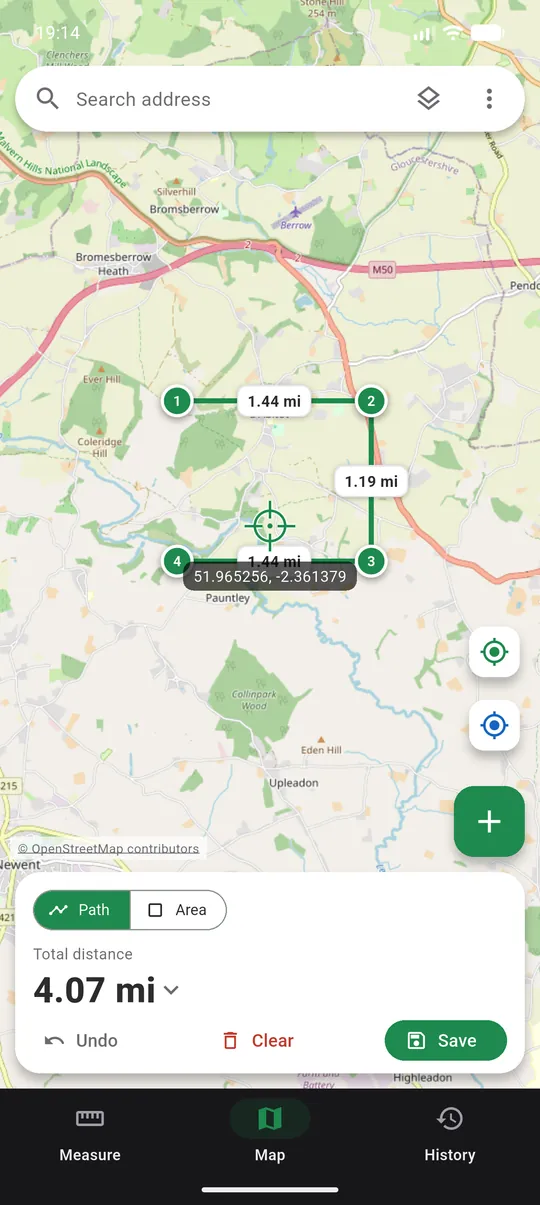
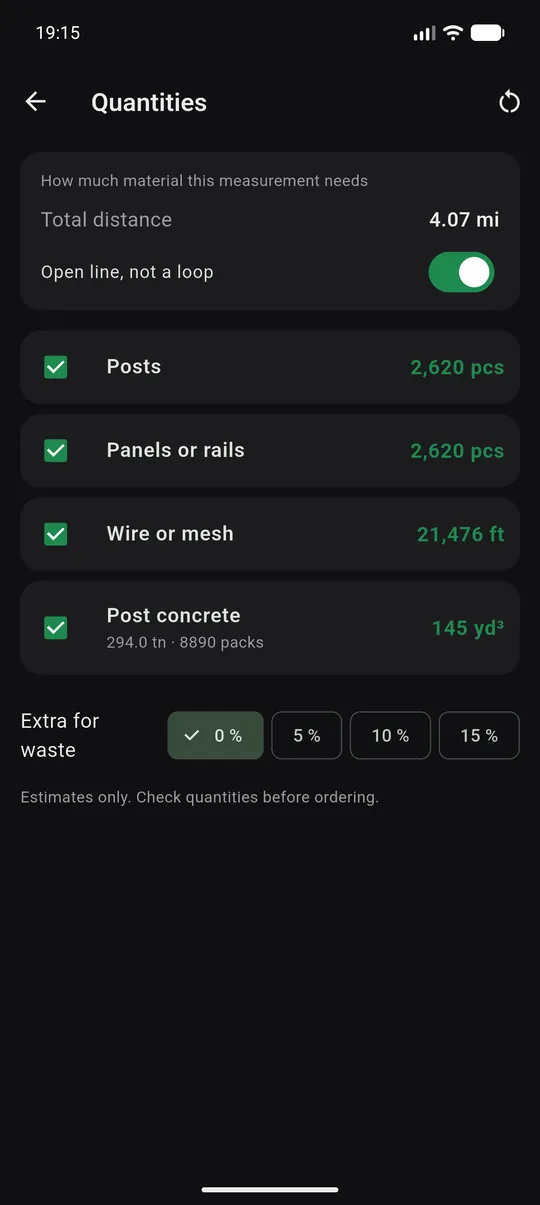
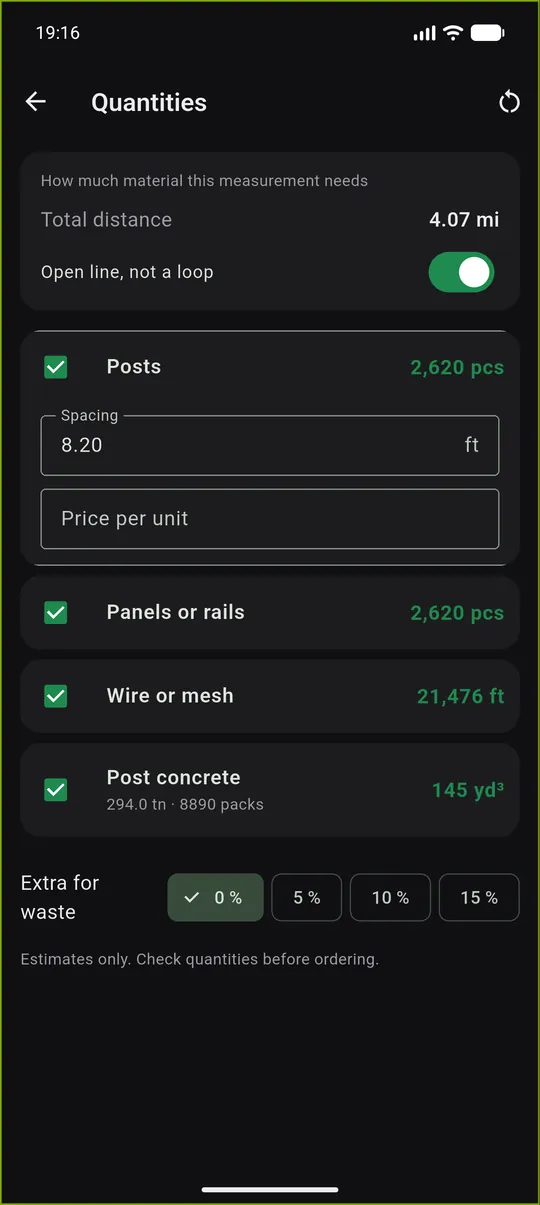
Walk the fence line with your phone, or draw it on the satellite map from your desk. Fence Calc reads the corners from the line, places the gates, spreads the posts evenly and counts what you have to buy: posts by type, panels, rails and pickets or wire by the roll, concrete hole by hole in bags of the size you buy, hardware and stain. Start from one of nine fence types; every value stays yours to change.
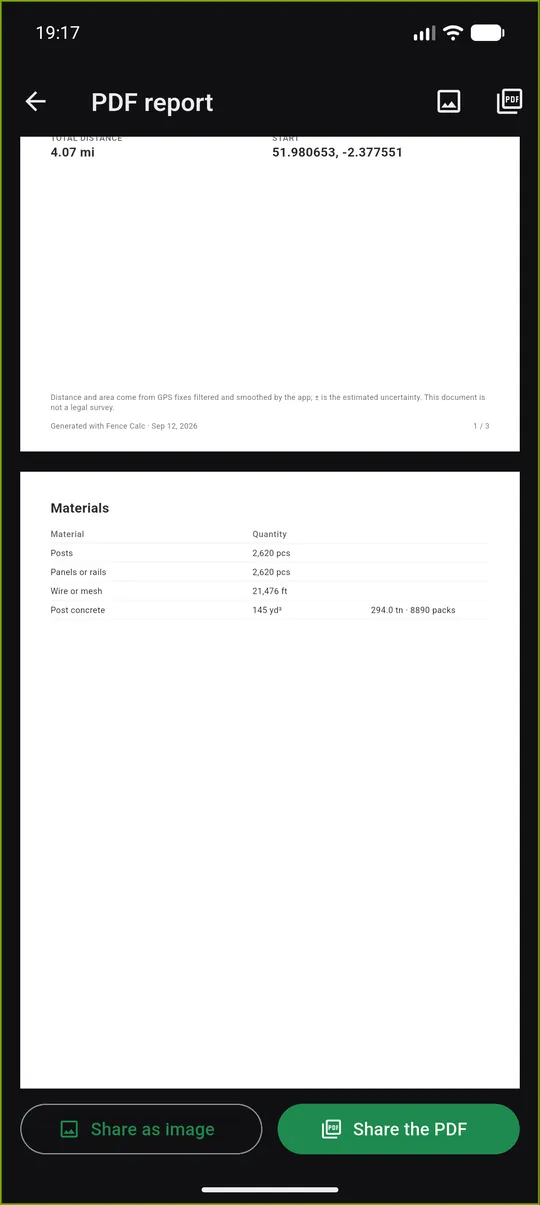
Enter your supplier's prices, labor per foot or metre, extra items and sales tax, and Fence Calc makes a PDF quote with a drawing of the fence, each subtotal and the project total. On site, the Install step takes you from post to post. No account, no subscription: a single purchase removes ads.
Key features
Walk it or draw it
Follow the line with GPS and tap Gate here as you pass, or tap the corners on the satellite map.
Every post counted
End, corner, gate and line posts, concrete in bags, panels, rails, wire, hardware and stain.
Your supplier's prices
Keep a book of suppliers with dated prices, and compare them line by line.
A quote to hand over
Labor, extra items and sales tax, a quote number, your details and a drawing of the fence, in PDF.
Set out the posts
An arrow and the distance to the next post; tap Planted and it moves on.
No account, no subscription
Your lines and prices stay on your phone. A single purchase removes ads.
See it in action
Ready to play?
Download Fence Calculator: Cost & Quote for free on Google Play.
Discover more
Distance Measure Pro: GPS Area
Tools
GPS distance tracker and land area calculator. Walk it or tap the map. No account.

Landscaping Calc + GPS Measure
Tools
Measure the bed or the lawn by GPS or on the map. Get mulch, gravel, topsoil and turf to order.

Seed & Fertilizer Calc + GPS
Tools
Measure the field by GPS or on the map, then get seed and fertilizer to buy, at your own rates.