Landscaping Calc + GPS Measure
Measure the bed or the lawn by GPS or on the map. Get mulch, gravel, topsoil and turf to order.
 Website and user guide →
Every mulch calculator asks you to type in an area. This one measures it.
Walk around the bed with GPS, or trace it on the satellite map from your desk, and take out the pond or the patio as holes. Landscaping Calc turns the real area into what you have to order: mulch and bark from the depth you choose, gravel and decorative stone in tons from your stone's density, topsoil, and turf in rolls, with a waste allowance and your own prices.
Everything works in yards or metres. Export a PDF with the map to scale, the sides, the accuracy and the material list, or share a single image. The calculations work without a signal, and the map keeps the areas you have viewed recently. No account, no subscription: a single purchase removes ads.
Key features
Walk it
Follow the edge of the bed with GPS. The outline is filtered and its accuracy is shown as a ± figure.
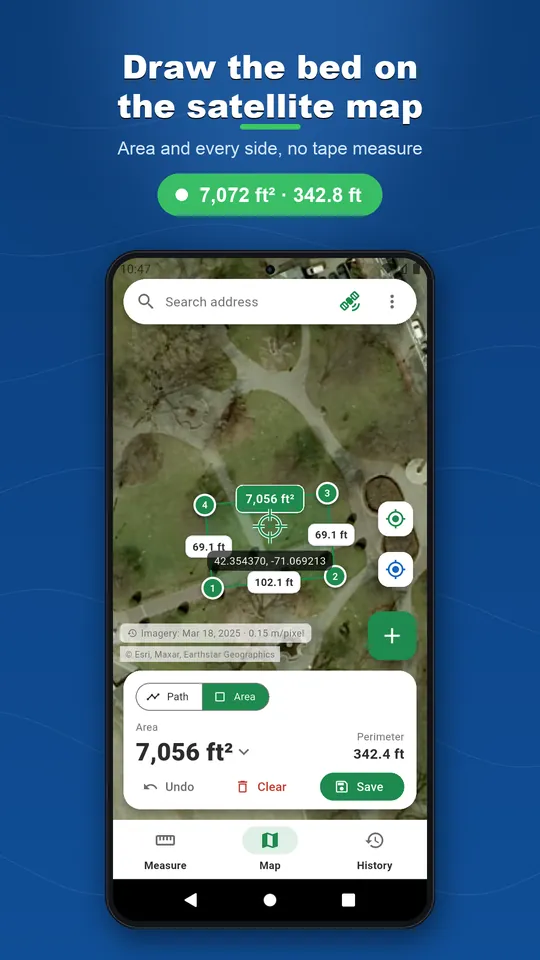
Or draw it
Tap the corners on the satellite map, drag them under a magnifier, cut out a pond or a patio.
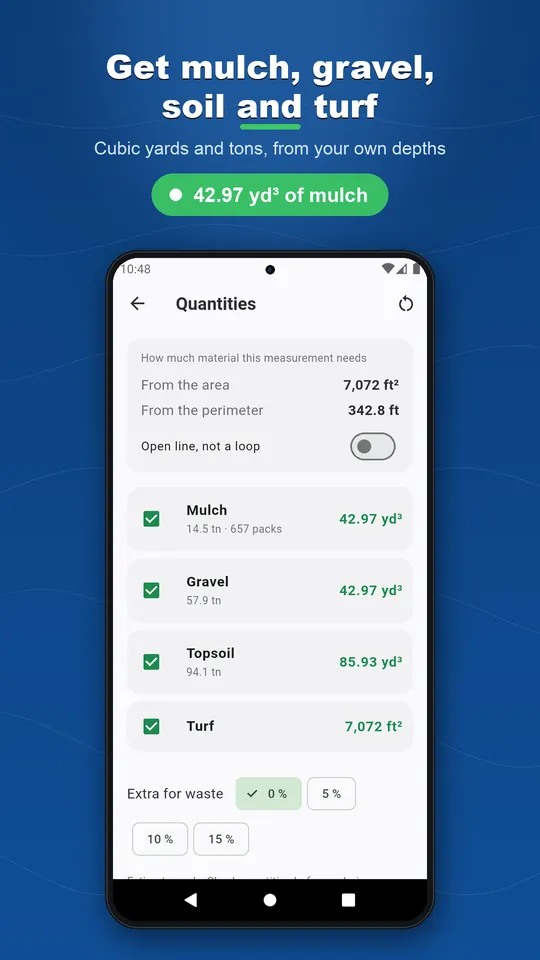
Mulch, gravel, soil, turf
Volume from the depth you choose, bags or tons, rolls of turf, with 5, 10 or 15 percent for waste.
Your prices
Enter what your supplier charges and read the total. The app never invents a price.
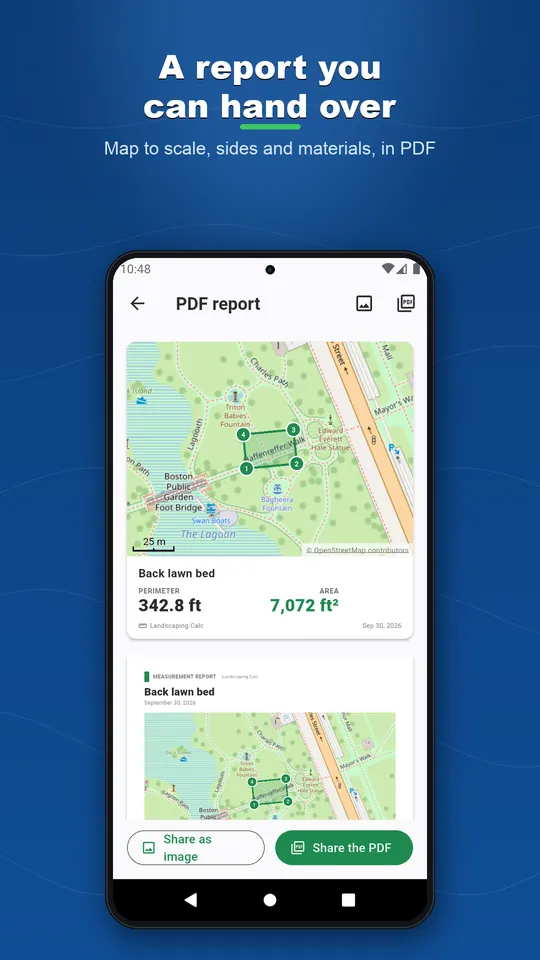
A PDF to hand over
Map to scale, sides, accuracy and material list. GPX, KML, DXF, CSV, GeoJSON or Shapefile too.
No account, no cloud of ours
Nothing to sign in to. Your measurements stay on your phone, apart from Android's own backup.
See it in action
Ready to play?
Download Landscaping Calc + GPS Measure for free on Google Play.
Discover more
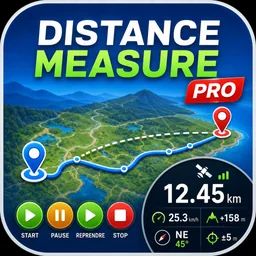
Distance Measure Pro: GPS Area
Tools
GPS distance tracker and land area calculator. Walk it or tap the map. No account.
Fence Calculator: Cost & Quote
Tools
Measure the fence line by GPS or on the map: posts, concrete, cost estimate and a PDF quote.
Seed & Fertilizer Calc + GPS
Tools
Measure the field by GPS or on the map, then get seed and fertilizer to buy, at your own rates.